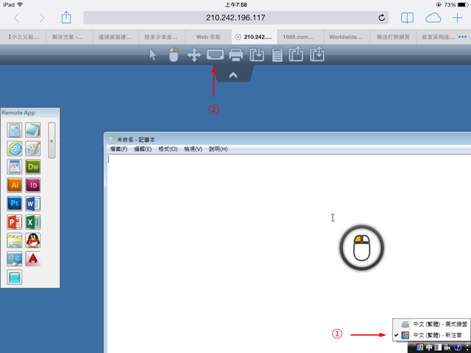
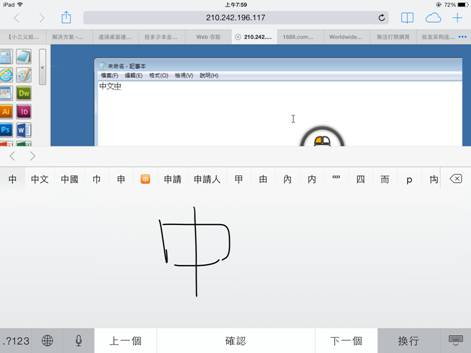
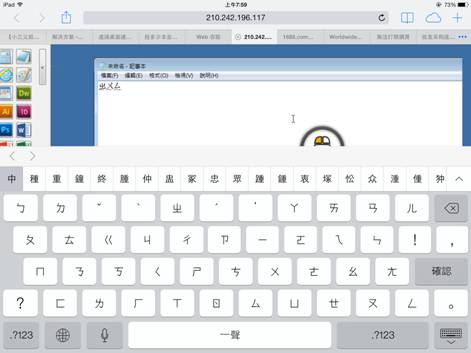
You need Windows 7 Enterprise or Ultimate / Windows 8 Enterprise or Professional to use multi-language on one system.
You can install every language on the system if you need.
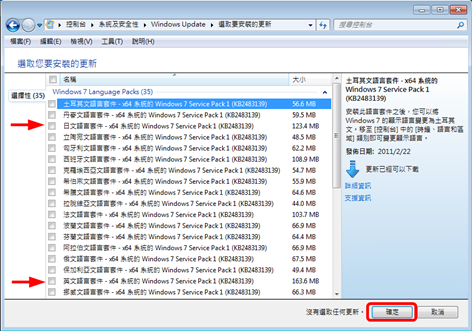
You could publish a language applet for users to change their own O/S language of UI and add IME (Input Method Editor).
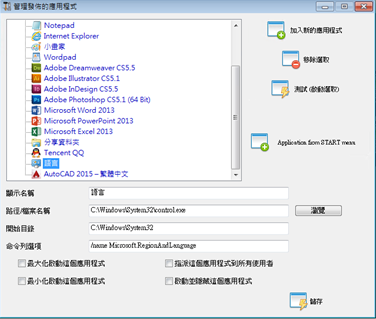
For Windows 7: control /name Microsoft.RegionAndLanguage
For Windows 8: control /name Microsoft.Language
Complete List: http://pcsupport.about.com/od/tipstricks/tp/control-panel-applets-list.htm
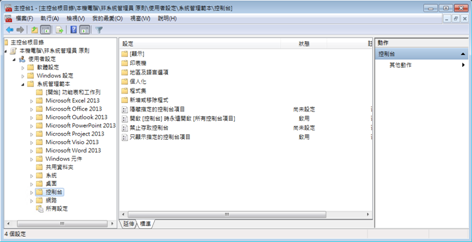
Optional : this is how to restrict the Control Panel behavior for users by GPO :
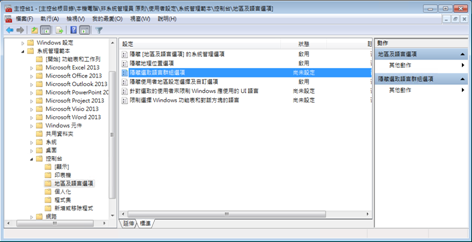
Users can change O/S language of UI after logon system. (Users have to logout and logon again to take effect after changing this setting)
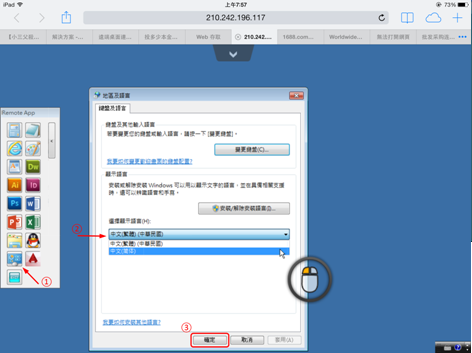
The user has to select Chinese IME first to input Chinese chars.