
Symptom:
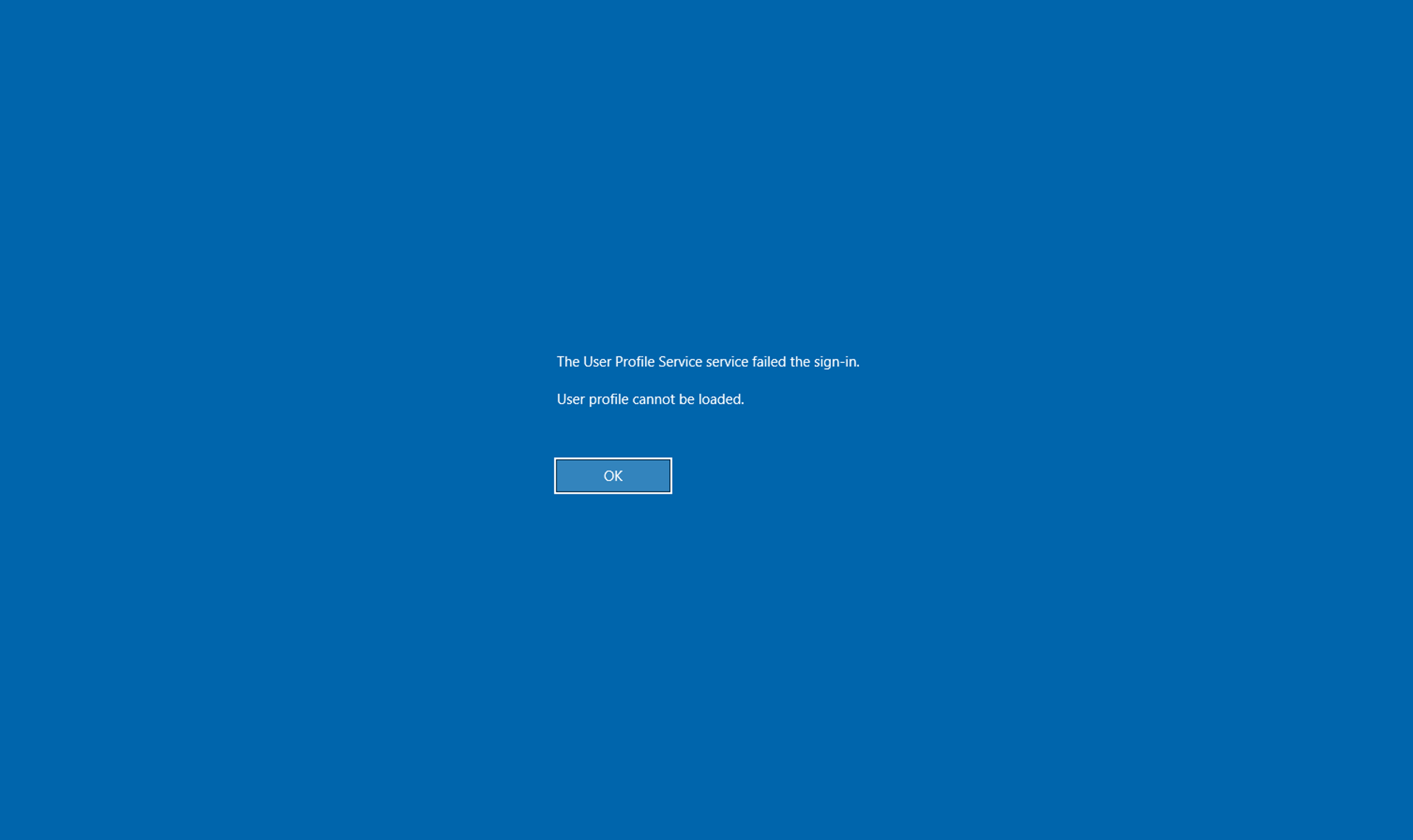
When using TSplus in published application mode ('MS RemoteApp' display), loading a Windows mandatory profile fails with the following error message: "The User Profile Service service failed the sign-in. User profile cannot be loaded." or "The Group Policy Client service failed the logon. Access is denied", whereas a standard full desktop RDP session connects successfully.
Cause:
This issue typically occurs due to missing NTFS or share permissions on the remote profile stored on the SMB server, which prevents the User Profile Service from loading the profile during a RemoteApp session logon.
Unlike a standard RDP full desktop session, publishing applications via TSplus RemoteApp handles session initialization and profile loading under specific security contexts that require exact permissions on shared resources.
Resolution:
To resolve this issue, ensure that the proper access permissions are configured on the shared profile located on the SMB server, in accordance with Microsoft guidelines.
1. Go to the shared profile location on your SMB server.
2. Modify the security permissions of the profile share folder.
3. Add the missing permissions for the "Everyone" group (such as Read or Read & Execute rights depending on the required configuration).
4. Save the changes and try logging in again via TSplus RemoteApp.
Additional Notes & Prerequisites:
Microsoft Guidelines: Ensure that your mandatory or super-mandatory profiles (such as classic .man files / NTUSER.MAN or folder structures ending with .man like ProfileName.V6.man) are strictly created following official Microsoft documentation (e.g., Microsoft's Create mandatory user profiles guide).
Profile Types Reminder: Mandatory profiles allow users to log in even if the server is unavailable (using a locally cached copy), whereas super-mandatory profiles prevent login if the server is unreachable.
Sources:
https://learn.microsoft.com/en-us/windows/client-management/client-tools/mandatory-user-profile
https://www.ivanti.com/blog/profile-series-mandatory-profile-gotchas